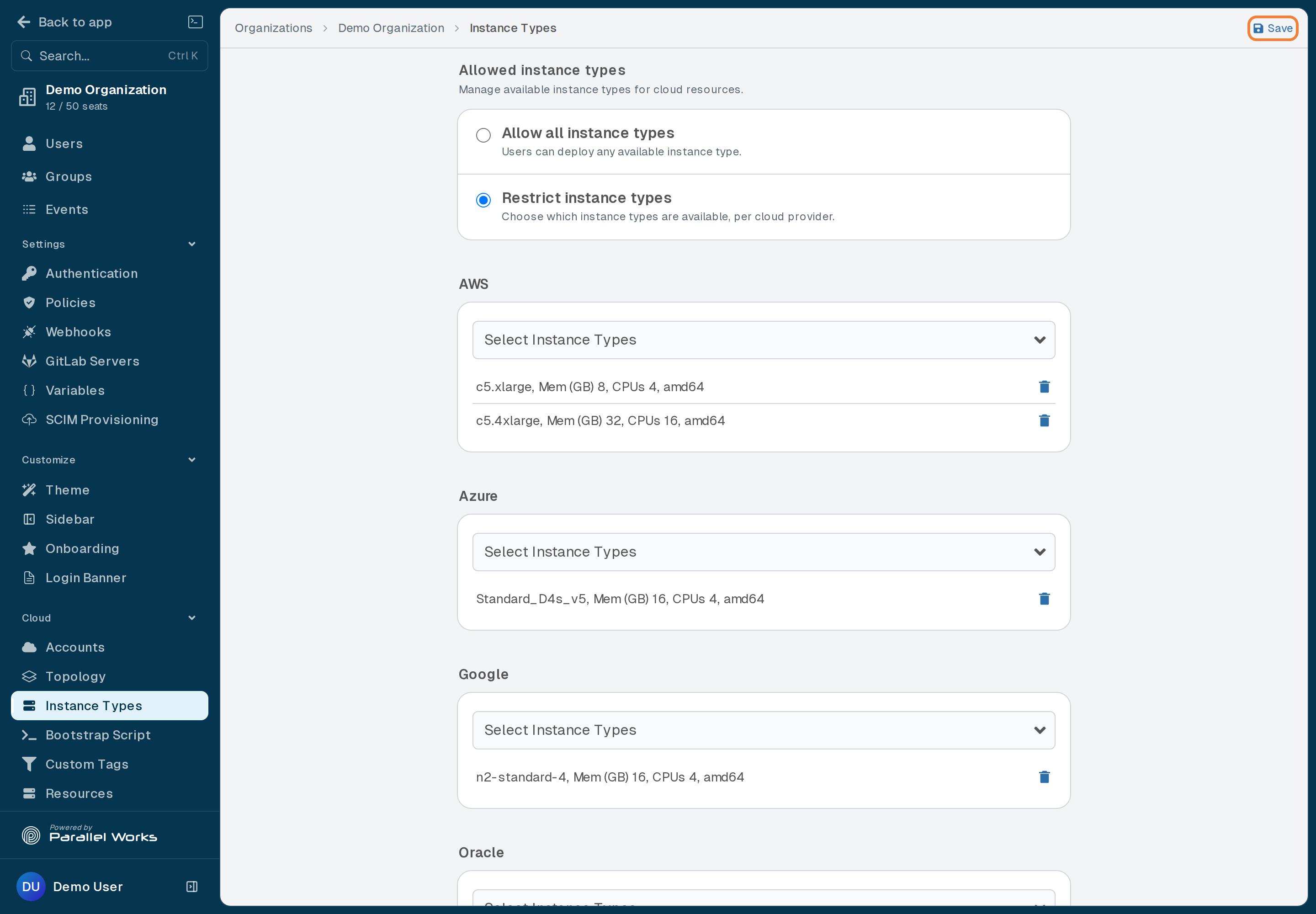
Instance Types
This page explains how to choose which instance types users will have access to when they configure clusters on the Compute page. This feature is useful if, for example, your users only need a certain amount of power for their work; in that case, you can limit instances to only lower CPU types.
From the Organizations list, select your organization. In the sidebar, under Cloud, click Instance Types.
In Allowed instance types, if Allow all instance types is selected, users will have access to all instance types.
Select Restrict instance types to make changes.
You can customize instance types for each cloud provider. Open a provider's Select Instance Types dropdown menu, then click the instance type(s) you want to allow. The instance type(s) you select appear in the list below the dropdown menu; click the trash icon beside one to remove it.
When you're done, click Save. Your changes will be applied immediately.